
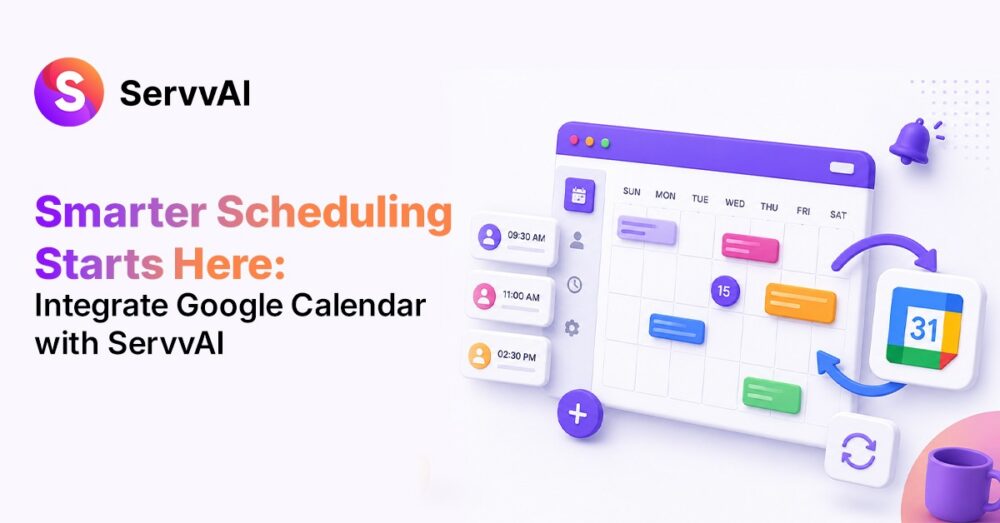
Managing events successfully requires more than simply creating event pages and accepting registrations. As creators and influencers scale their events, scheduling quickly becomes one of the biggest operational challenges.
Missed reminders, scheduling conflicts, delayed updates, and manual calendar management can create friction for both organizers and attendees. This is why integrating Google Calendar with ServvAI is a productivity advantage.
As a modern event management platform, ServvAI helps streamline the entire event lifecycle. By connecting Google Calendar directly to your ServvAI account, you can automate scheduling, improve attendee experiences, and simplify event operations without adding more administrative work.
Why Automate Event Scheduling? The Importance of Calendar Integration
Most event organizers manage multiple tools simultaneously. An event management workflow might include creating events, managing registrations, sending confirmations, and coordinating schedules. Without a centralized system, keeping everything synchronized becomes difficult.
Calendar integration eliminates manual updates by automatically syncing event information between ServvAI and Google Calendar. This ensures your schedule remains accurate across platforms while reducing the risk of double bookings or missed events. For creators hosting recurring workshops, webinars, or hybrid experiences, this automation can save hours every month.
Top Benefits of Google Calendar Event Sync with ServvAI
ServvAI’s calendar integration offers a lot of advantages of creators that are enlisted below.
Prevent Scheduling Conflicts
One of the biggest challenges event organizers face is overlapping commitments. When your ServvAI events are connected to Google Calendar, schedules remain updated in real time. This reduces the likelihood of double-booking sessions and helps maintain a professional attendee experience.
Improve Team Collaboration
For influencers running multiple events, calendar syncing ensures that team members have visibility into schedules without requiring manual updates. Everyone is aligned with the schedule.
Better Attendee Experiences
Event success depends on attendance. When schedules sync automatically, organizers can provide accurate event information while participants can easily keep track of upcoming sessions through their preferred calendar tools. The result is fewer missed events and improved engagement.
Better Experience-Based Monetization
The creator economy is increasingly shifting toward live experiences. Creators are monetizing through:
- Coaching programs
- Masterclasses
- Community events
- Hybrid experiences
A seamless scheduling system becomes critical when scaling these offerings. By integrating Google Calendar with ServvAI, creators can manage bookings more efficiently while ensuring attendees receive a smooth experience from registration to event participation.
Supporting Recurring Events
Many creators generate recurring revenue through weekly or monthly sessions. Calendar synchronization helps ensure recurring events stay organized, reducing the operational burden associated with managing multiple event schedules. This is particularly valuable for fitness professionals, educators, and consultants who host frequent sessions.
How to Sync Google Calendar for Automated Event Management
Setting up the integration is straightforward and requires only a few minutes.
Step #1: Navigate to Integrations
Log in to your ServvAI dashboard and select the Integration section from the side menu. This area contains all available integrations that help connect ServvAI with your existing workflow tools.
Step #2: Select Calendar Integration
Within the integrations dashboard, locate the Calendar option and open the integration settings.
Step #3: Start the Connection
Click Connect to begin linking your Google Calendar account.
Step #4: Enter Your Google Account
Provide the email address associated with the Google Calendar you wish to sync. After entering your email, click Continue.
Step #5: Review Permissions
Google will display the permissions required for synchronization. Review the requested access and authorize the connection. These permissions allow ServvAI to sync event information and maintain accurate scheduling.
Step #6: Verify Successful Connection
As an event booking tool and event creation platform, ServvAI is designed to simplify event operations from start to finish. Google Calendar integration strengthens this ecosystem by creating a seamless connection between event scheduling, attendee management, and event execution.
This creates a smoother experience for both organizers and attendees. Whether you’re a creator hosting paid workshops or a coach running recurring sessions, calendar integration helps transform event management from a manual process into a streamlined workflow.
Helpful ServvAI Resources for google calendar integration
If you are exploring google calendar integration, the ServvAI blog has more ideas on events, appointments, creator revenue, product education, and customer experiences.
Shopify merchants can review the ServvAI Shopify app, while WordPress and WooCommerce users can explore the ServvAI WordPress plugin for event booking and scheduling workflows.