
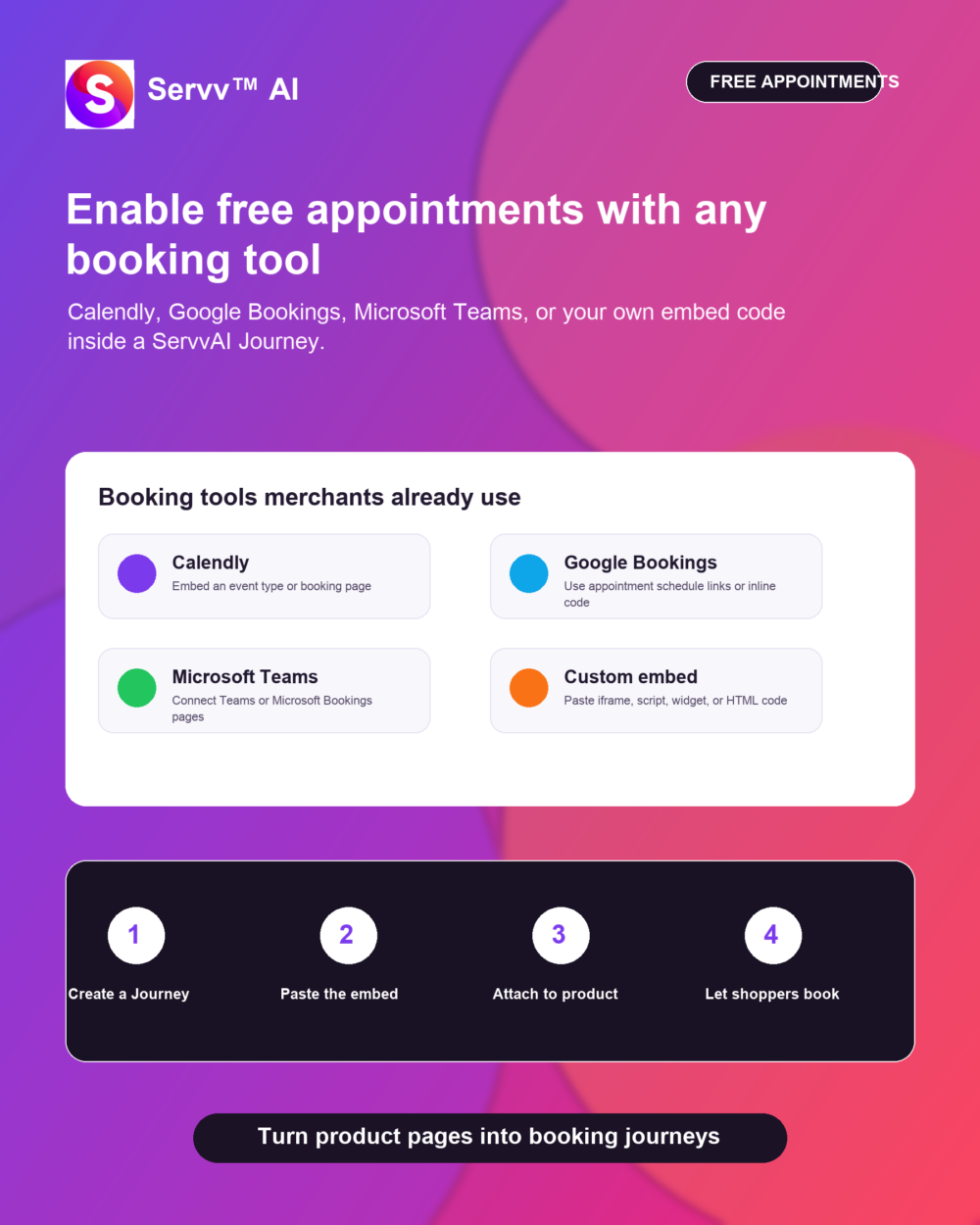
Calendly free appointments on Shopify are one of the easiest ways for Shopify merchants to add a human next step without rebuilding their store. If you already use Calendly, Google Appointment Schedules, Microsoft Teams, Microsoft Bookings, or another scheduling tool, you do not need to abandon it just to bring appointments into your commerce flow.
The simpler path is to keep the booking platform your team already trusts, copy its embed code or booking-page link, and place that experience inside a ServvAI Journey. That lets a product page, post-purchase email, or customer education flow guide shoppers into a free consultation, fitting session, demo, class, or support appointment.
Why Free Appointments On Shopify Matter
Most merchants think about appointments only when they are selling paid services. But free appointments on Shopify can be just as useful when the appointment helps the customer make a better decision. A skincare brand might offer a free routine consult. A fitness store might offer a form check. A B2B merchant might offer a product-fit call before a larger order.
This is where ServvAI Journeys can make the experience feel native to the store. Instead of sending customers to a random external page with no context, merchants can place the appointment step near the product, after checkout, or inside an educational journey. The customer still books through Calendly, Google, Teams, or the merchant’s preferred tool, but the journey starts from the store.
Calendly Free Appointments On Shopify, Google Bookings, Teams, Or Any Embed Code
Calendly supports website embeds such as inline booking widgets and pop-up options. Google Calendar appointment schedules can be shared as booking links or embedded on supported websites. Microsoft Bookings and Teams can also give customers a booking page or meeting flow that fits a service-based workflow.
ServvAI does not force merchants into one scheduling stack. If your team already has a booking tool that works, use it. The key is whether the tool gives you a link, iframe, script, widget, or custom HTML embed code. If it does, that appointment experience can usually become part of a Journey.
How To Enable Free Appointments On Shopify With ServvAI Journeys
The working pattern is straightforward:
- Create or choose the appointment type in your booking tool.
- Copy the booking link or embed code from Calendly, Google, Microsoft Teams, Microsoft Bookings, or another platform.
- Open ServvAI and create a Journey for the product or customer moment where the appointment belongs.
- Add a custom embed/code step and paste the booking code.
- Attach the Journey to the product page, post-purchase flow, email, or customer education experience.
If you want the exact setup walkthrough, ServvAI has a help article on how to enable free appointments on Shopify using the ServvAI Journeys feature.
See Free Appointment Journeys In Action
If you want to see how these free appointment journeys can look on a Shopify product page, here are a few live demo products using different booking styles and embed placements:
- Google Bookings demo for a studio intake session
- Calendly inline booking demo for a fitness consultation
- Calendly booking demo for a private wellness consultation
- Google Bookings inline demo for a studio intake session
These examples are useful because they show merchants that the appointment tool can stay familiar while ServvAI handles the product-page journey around it.
Calendly Free Appointment Journey Demos
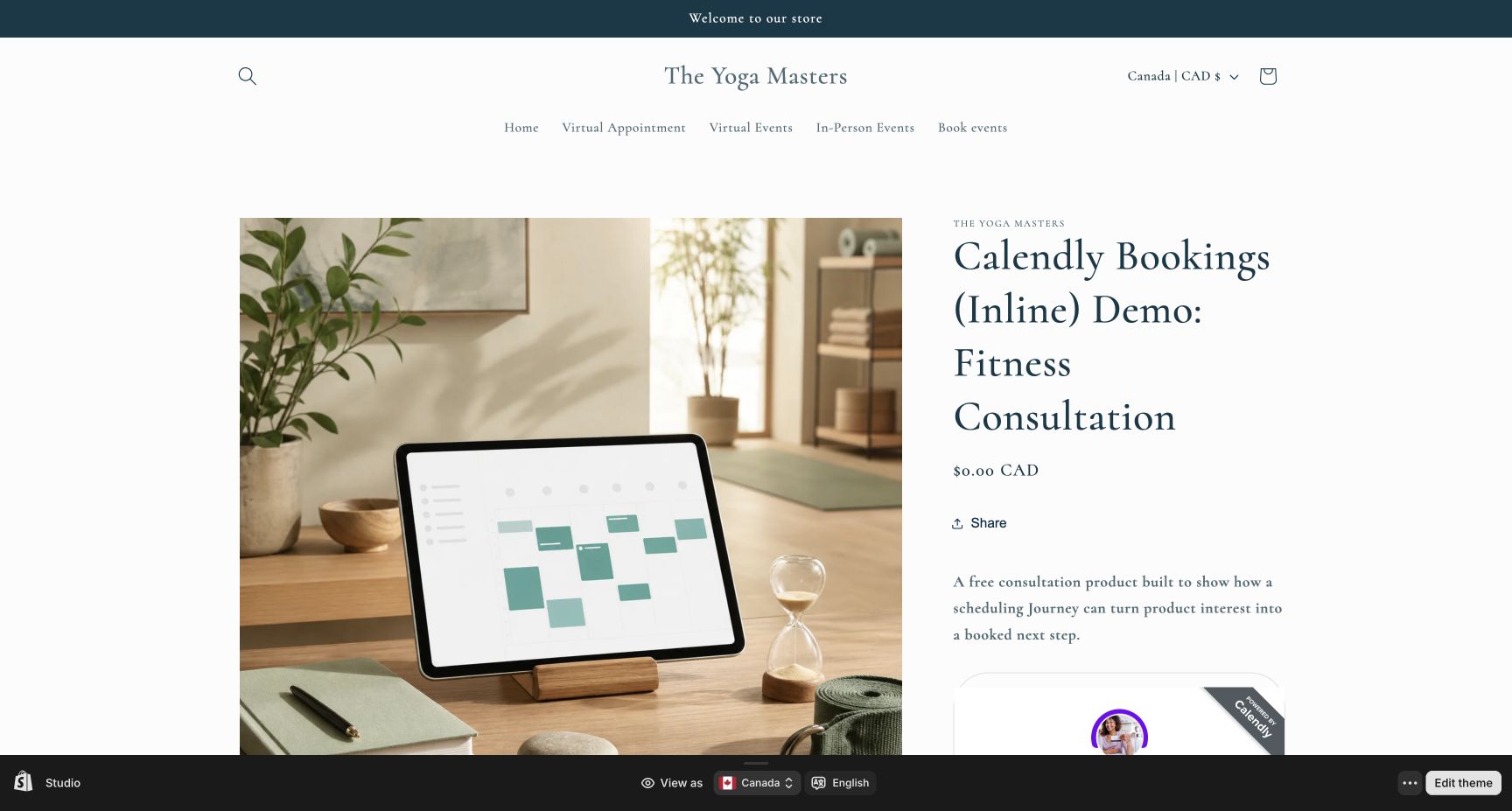
For merchants who already use Calendly, these Journey demos show two practical ways to keep the booking experience familiar while placing it inside a Shopify product flow. The inline version keeps the schedule visible on the page, while the pop-up version keeps the product page cleaner until the shopper is ready to book.
- Calendly inline booking Journey for a fitness consultation
- Calendly pop-up booking Journey for a private wellness consultation
That flexibility matters because different Shopify merchants sell appointments in different ways. A coach, studio, wellness brand, or product expert can use Calendly free appointments on Shopify without forcing customers through a separate, disconnected booking funnel.
Google Bookings Free Appointment Journey Demos
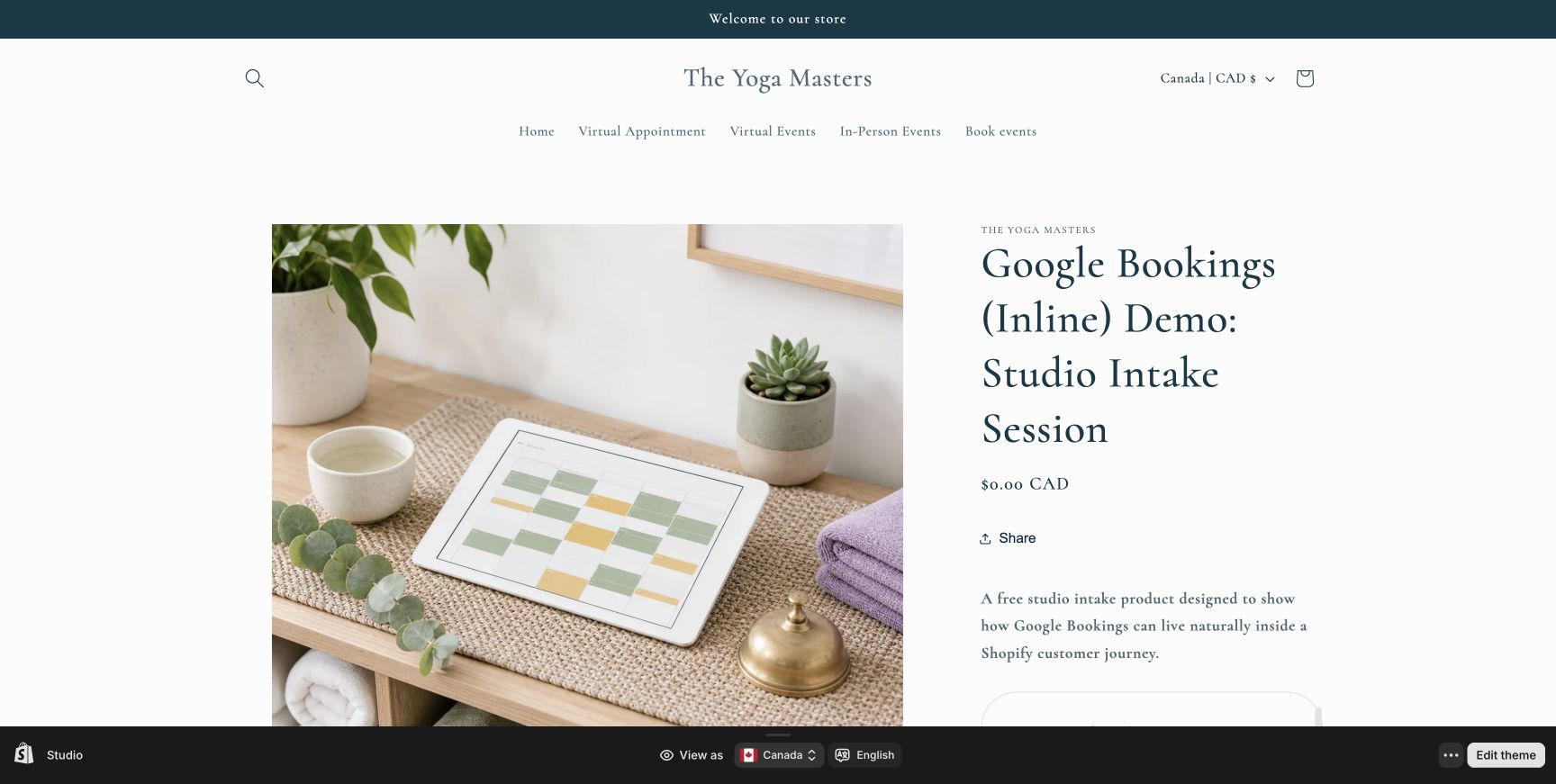
Google Bookings and Google appointment schedules are useful for merchants who want a simple, low-friction way to offer free consultations from a product page. These examples show both pop-up and inline placements, so merchants can decide whether the booking step should be prominent or appear only after a customer shows intent.
- Google Bookings pop-up Journey for a studio intake session
- Google Bookings inline Journey for a studio intake session
For Shopify teams already living in Google Calendar, this can be a straightforward path: keep Google as the scheduling tool, then use ServvAI Journeys to make the appointment feel connected to the product, customer need, and next step.
Where Merchants Can Use Free Appointment Journeys
Free appointment journeys work best when customers need reassurance, setup help, sizing advice, or a reason to feel connected to the brand. Some practical examples:
- A boutique offers free styling calls after a high-value cart.
- A wellness brand adds a free onboarding session to a supplement bundle.
- A home decor merchant offers a 15-minute room-planning appointment.
- A software or template seller lets customers book a free implementation call.
- A course creator adds office hours to a product education journey.
For Shopify merchants, the ServvAI Shopify app is built around events, bookings, appointments, and product journeys. For WordPress and WooCommerce stores, the ServvAI WordPress plugin supports booking and event experiences inside the WordPress ecosystem.
A Simple Test Before You Add The Appointment
Before adding any booking widget, ask one honest question: what does the customer need help deciding or doing? If the answer is personal, visual, technical, or confidence-based, a free appointment can make sense.
Keep the first version light. One booking page, one product, one clear call to action. Then watch whether customers use it, whether questions drop, and whether more shoppers finish the journey. That is usually better than building a heavy custom scheduling system before you know what customers actually need.
Why ServvAI Fits This Workflow
For merchants testing Calendly free appointments on Shopify, ServvAI helps turn static commerce pages into guided customer journeys. The appointment tool can stay Calendly, Google, Microsoft Teams, Microsoft Bookings, or another platform. ServvAI becomes the layer that places that appointment in the right customer moment.
That is the quiet advantage: free appointments on Shopify do not have to feel like a separate funnel. They can feel like the next helpful step inside the buying experience.
Explore more merchant examples in the ServvAI blog.