
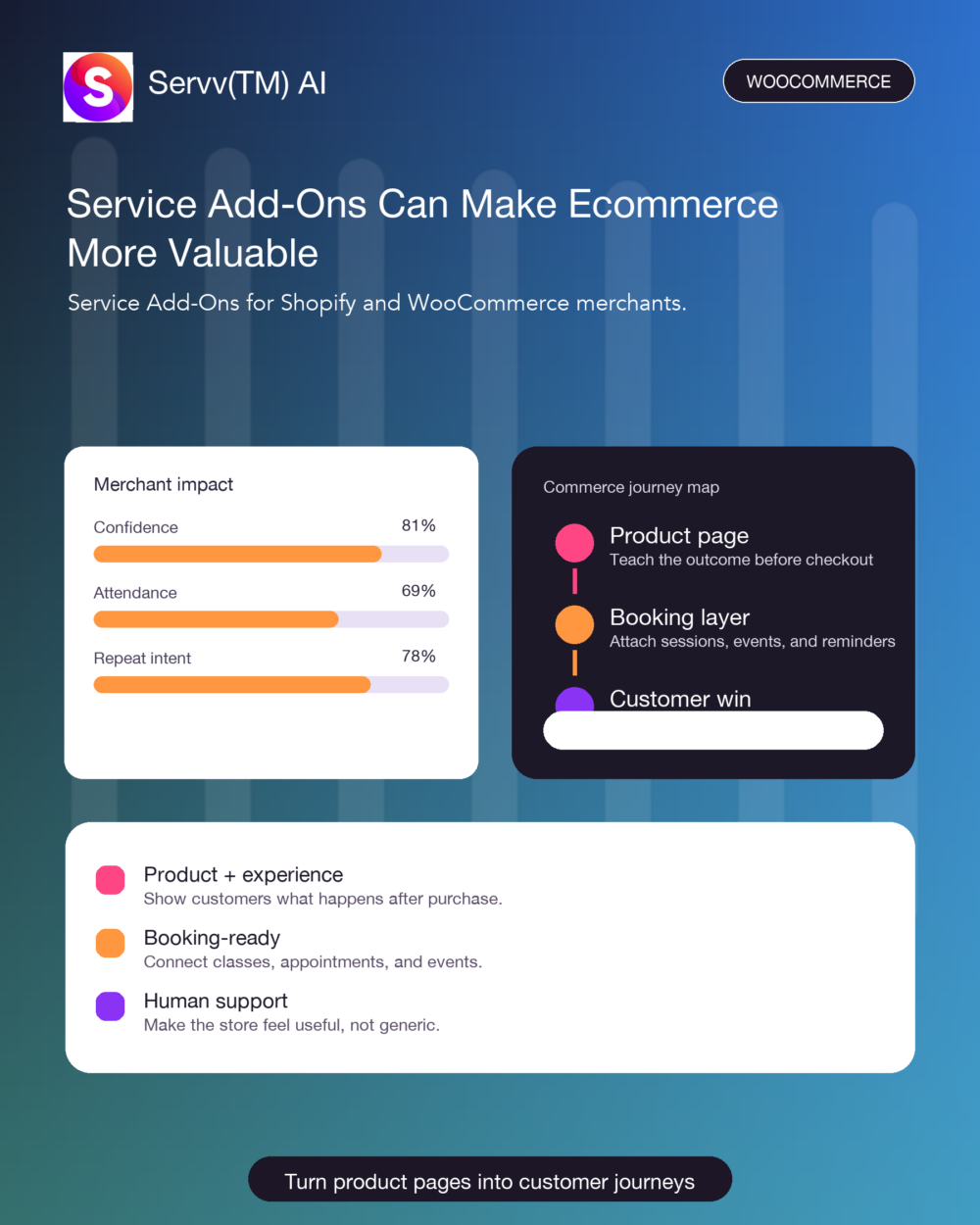
Service Add-Ons can make a product page feel less like a catalog and more like a helpful next step. For Shopify and WooCommerce merchants, that matters because shoppers are not only buying an item. They are often buying confidence that they can use it well.
Why Service Add-Ons Matter for Merchants
Most product pages explain what is included. Better product pages also explain what happens next. That is where service add-ons become useful for merchants who sell products that need instruction, setup, coaching, or a bit of human reassurance.
This is where service add-ons become practical. Imagine buying a paint set and instantly seeing the next Zoom session on your calendar. That is the emotional difference: the customer feels guided, and the merchant is not chasing forms.
That is one small way service add-ons can change the buying moment. Customers do not always need more options. They need a next step. For a plant starter kit, a care clinic can be that step. It says: we will not leave you alone after checkout. What product deserves a live experience?
For merchants, this is not a theory; service add-ons can be attached to one product first. Video is not decoration. A clear demo, tutorial or installation clip helps customers imagine themselves succeeding. For a BBQ smoker, pair the video with a weekend ribs class and the page starts teaching.
This is where service add-ons become practical. Many merchants do not need more traffic first. They need the traffic they already have to understand the product better. Add videos, sessions, appointments and courses where the customer is deciding. For sports brands, that detail matters.
How Shopify and WooCommerce Stores Can Use Service Add-Ons
For Shopify merchants, the opportunity is to keep the experience close to checkout. The ServvAI Shopify app helps attach events, appointments, and classes to the commerce flow instead of sending customers into disconnected tools.
For WooCommerce merchants, the same idea can live inside WordPress. The ServvAI WordPress plugin helps stores add booking and event experiences where customers already make decisions.
A Simple Service Add-Ons Test
After reading a product page, ask one question: does the customer know how to succeed with the product? If the answer is not really, add a small event, appointment, class, demo, trailer, or onboarding session.
- Use a free preview when trust is low.
- Use an appointment when the decision is personal.
- Use a workshop when customers need to learn by doing.
- Use reminders when the experience happens after purchase.
You can keep exploring practical examples in the ServvAI blog, especially if your store is testing product education, live shopping, appointments, or post-purchase sessions.
Where ServvAI Fits
ServvAI helps merchants turn products into connected customer journeys. The point is not to make ecommerce heavier. It is to give customers one clear next step, then make that step easy to join.
Start small. Choose one product that already creates questions. Add one useful session. Then let service add-ons show whether customers feel more confident, more supported, and more likely to come back.